



Read what’s assigned.
Classglide gathers accessible instructions, rubrics, linked readings, and supported document previews. Recordings need readable transcripts.
Supported sourcesClassglide reads accessible instructions and readings, then finds outside references when the assignment requires them.


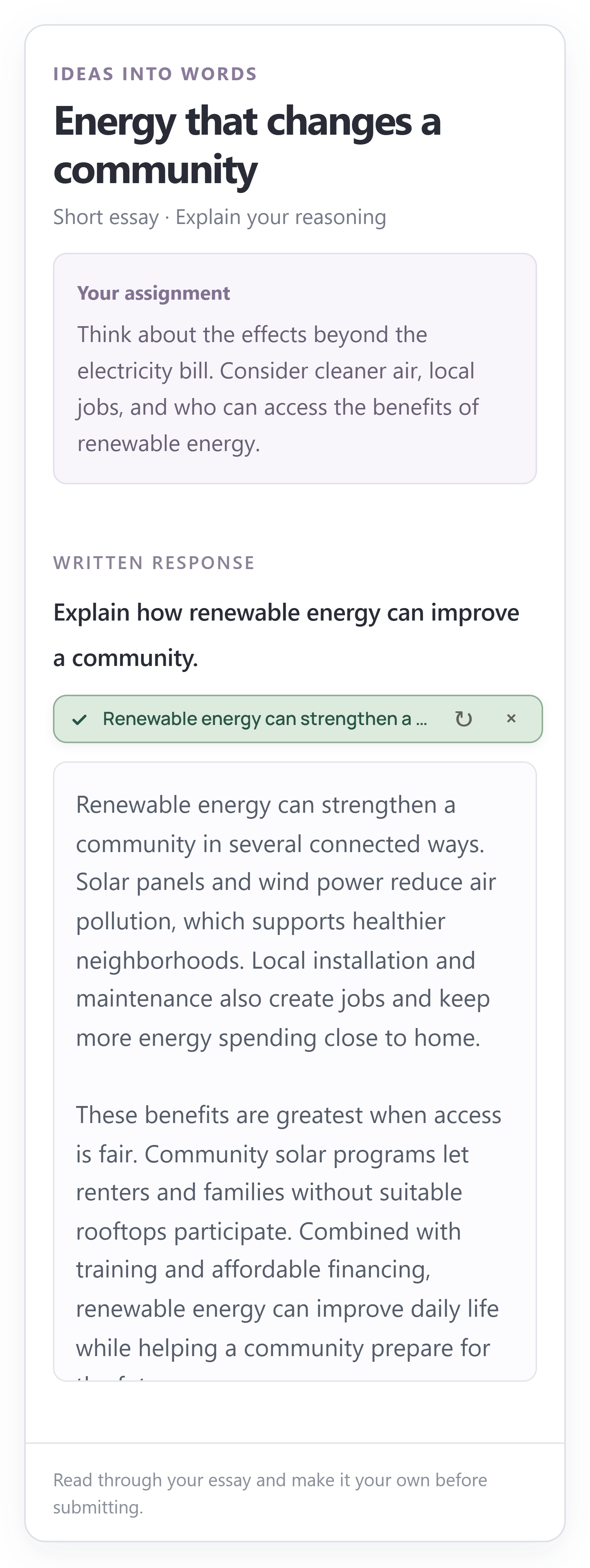

Classglide gathers accessible instructions, rubrics, linked readings, and supported document previews. Recordings need readable transcripts.
Supported sourcesWhen outside references are required, Classglide searches for relevant sources and checks the dates required by the assignment.
Reference requirementsBlocked readings or unverified required dates can pause writing. Open the source or choose another topic, then try again.
Source troubleshooting