
Complete school assignments automatically with AI.



Right on your assignment page.
Answers, essays, and replies, filled in where you work.
Fill the questions and writing on the current page in one click.
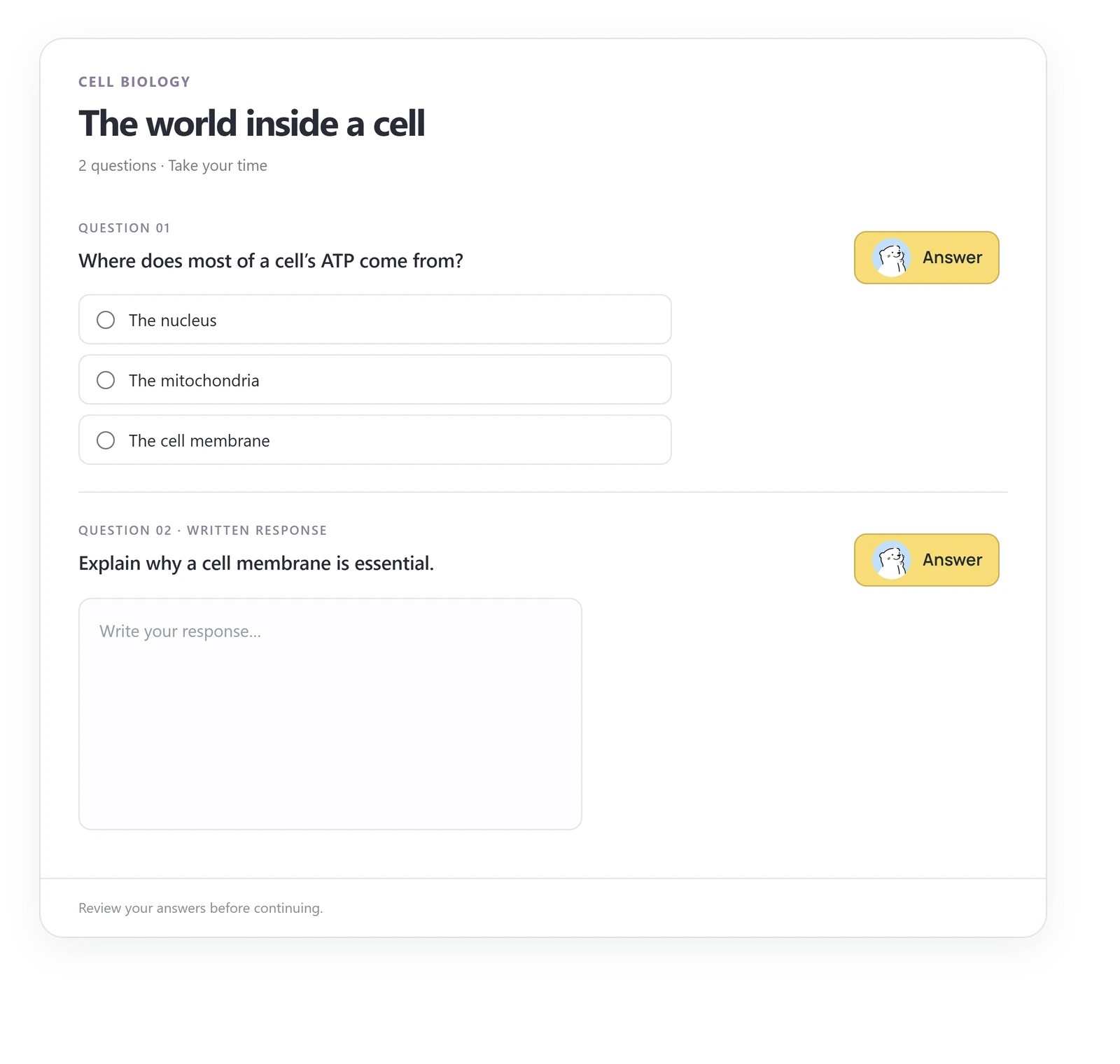
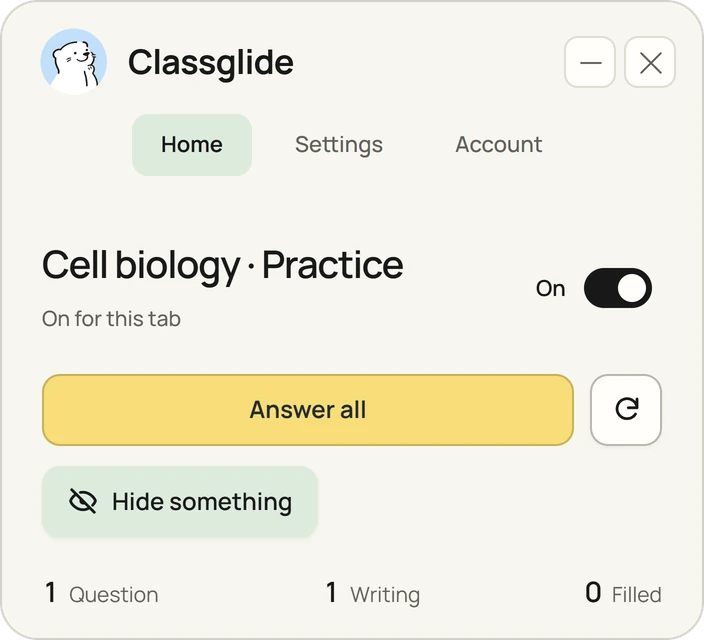
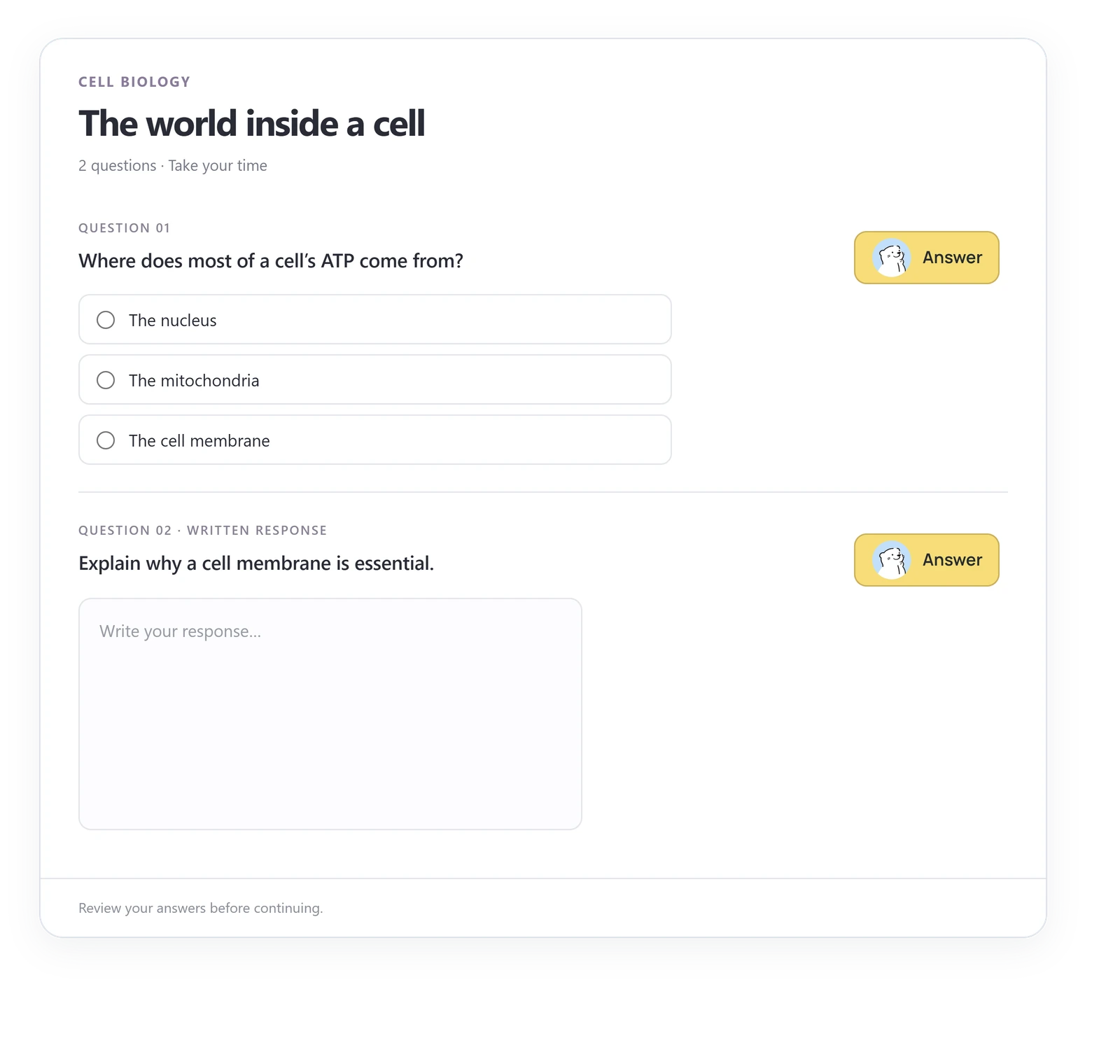
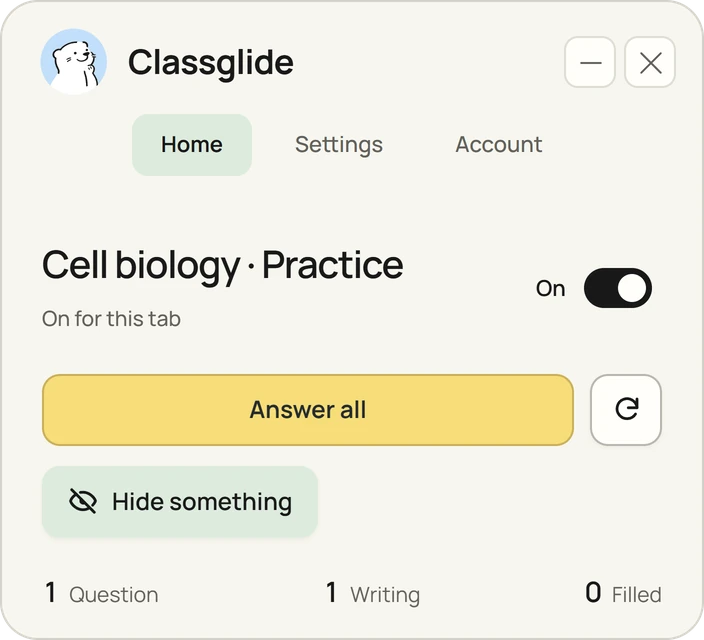
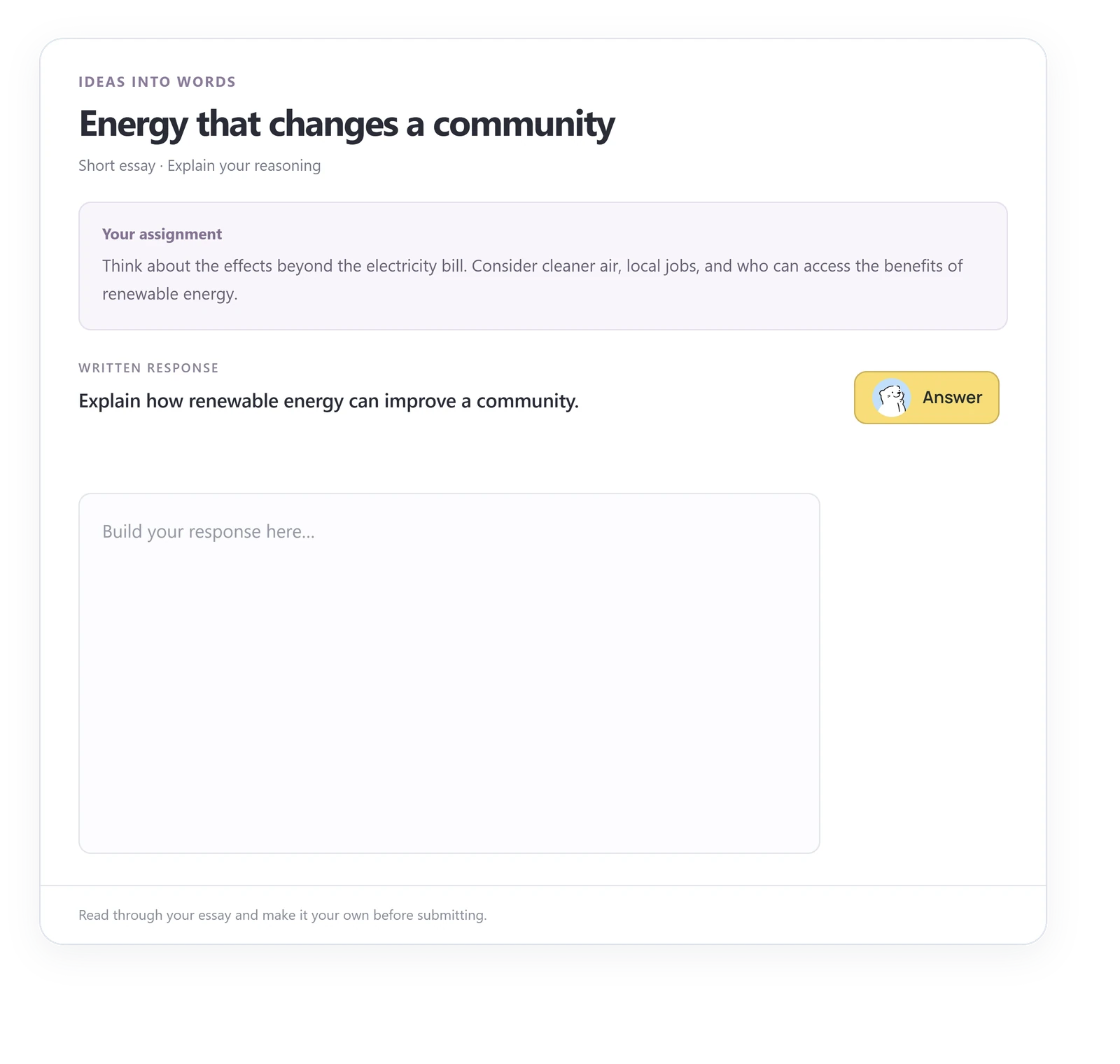
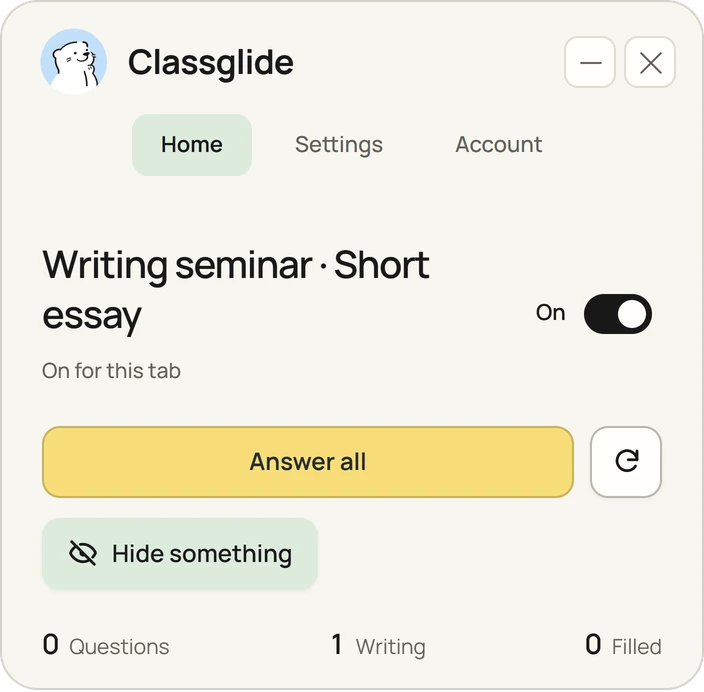
Start with Answer all
What’s on your assignment?
Questions
One answer or the whole page.
Essays
Written in your assignment editor.
Discussions
Posts and replies that follow the prompt.
Sources
Assigned readings, used before writing.
Readings & files
PDFs, scanned or not, documents and recordings.
Images & equations
The picture beside a question, read with it.
References & citations
The style the course asks for, links included.
Automatic answering
New questions answered as they appear.
Before you install.
What assignments can it complete?
Supported quiz questions, essays, discussion posts, and replies. Custom fields and embedded pages may need extra permissions. Check compatibility.
Does it read the assignment sources?
It reads accessible assignment material before writing. If a required source is unavailable, Classglide pauses and shows what needs attention. See what is shared.
Am I in control of what gets submitted?
Yes. You can edit the answer on the page or stop Classglide while it works. Automatic submission is a separate setting and is off by default. See the controls.
Where is it appropriate to use?
Use Classglide only where outside help is permitted, such as practice and self-study. It does not bypass proctoring or course restrictions, and it makes no claim about AI detection. Read the terms.

Add Classglide to Chrome.
Free each month: 30 questions + 1 writing response.